User Journeys in the Age of AI: Still Valuable, No Longer Sufficient
AI doesn't make User Journeys obsolete, but it fundamentally changes their role and limits in product design.
There's a quiet tension brewing in product design teams working on AI-powered experiences. On one side, seasoned designers reach for familiar tools like User Journeys to map out how people will interact with their new AI assistant. On the other, they're discovering that these traditional artifacts feel insufficient when designing for conversations that can branch in dozens of directions, handle ambiguous requests, or gracefully recover from misunderstandings.
The knee-jerk reaction is often binary: either User Journeys are dead (replaced by some shiny new AI-native methodology), or they work just fine and we should keep using them unchanged. Both positions miss the mark.
The reality is more nuanced and more interesting. AI doesn't make User Journeys obsolete, but it fundamentally changes their role, their limits, and the level at which they're most useful. Understanding this shift is crucial for anyone designing products where AI isn't just a feature, but a primary interface.
What User Journeys Were Always Good At
Before we examine how AI changes things, it's worth remembering why User Journeys became ubiquitous in product design. At their best, they excel at mapping the broader context of human behavior, the sequence of goals, decisions, and touchpoints that span across time and often across multiple systems.
Consider designing a traditional e-commerce checkout flow. A User Journey helps you understand that a customer's experience doesn't start when they click "Add to Cart." It begins earlier, maybe when they're comparing prices across sites, checking reviews, or calculating whether they need expedited shipping. The journey continues after purchase too: tracking packages, handling returns, or recommending the product to friends.
User Journeys shine at revealing these broader patterns: the emotional arc of an experience, the context switches between devices, the external factors that influence decisions, and the handoffs between different parts of an organization. They're particularly valuable for identifying pain points that exist between touchpoints, the gaps that no single feature team owns but that significantly impact the user's overall experience.
What Changes When AI Becomes the Interface
Now imagine you're designing an AI assistant that helps with that same e-commerce experience. Suddenly, the linear progression of steps becomes far more fluid. A user might ask "find me a good laptop under $800" and then, three exchanges later, pivot to "actually, what about tablets instead?" They might interrupt the AI mid-response with "wait, do you know if this works with my existing dock?" Or they might ask a question that reveals they fundamentally misunderstood something the AI said earlier.
This is where traditional User Journeys start to show their limitations. They were designed for interfaces where the user's path, while not entirely predictable, was constrained by the available UI elements. Click here, fill out this form, proceed to the next screen. Even accounting for different user types and edge cases, the branching was manageable.
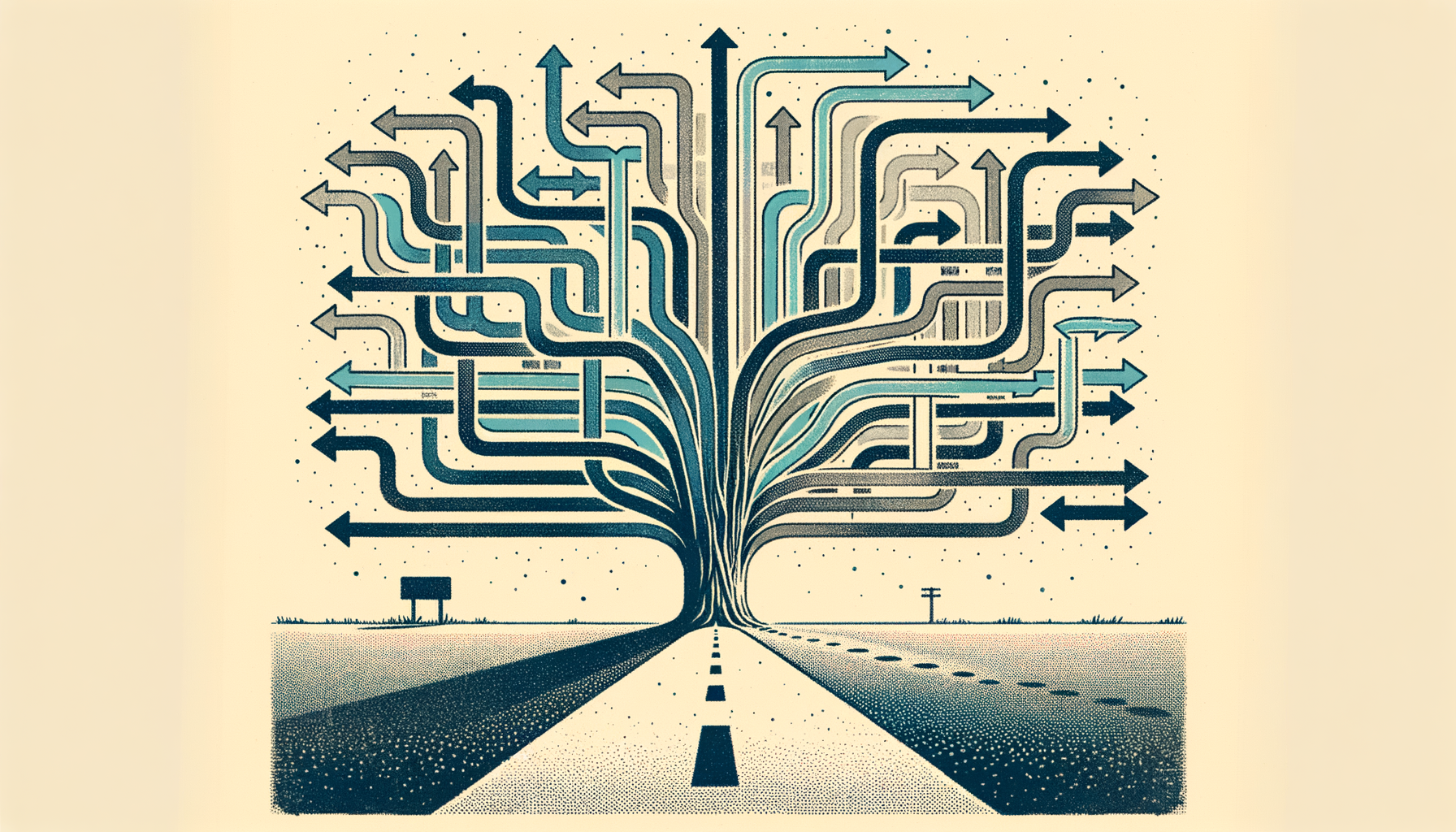
AI-driven interfaces explode this constraint. Every user utterance is a potential branch point. The "happy path" becomes one of hundreds of possible conversation trajectories. More importantly, the user's intent often isn't clear from their initial request and needs to be clarified through follow-up questions.
Where User Journeys Still Add Value
Despite these challenges, User Journeys remain valuable, just at a different level of abstraction. They're still excellent for mapping the macro experience: understanding why someone engages with your AI assistant in the first place, what they're trying to accomplish at a high level, and how the AI interaction fits into their broader workflow.
Let's say you're designing an AI-powered customer service system. A User Journey can still help you understand that a frustrated customer might start by trying to find answers in your help documentation, then escalate to the AI chat, and potentially need to be transferred to a human agent. It can map out the emotional journey from initial frustration to (hopefully) resolution, and identify the key decision points where the experience could go well or poorly.
User Journeys are also valuable for identifying the touchpoints where AI intersects with non-AI parts of your product or service. Maybe your AI assistant can help users configure a complex software setup, but the actual implementation happens in a traditional GUI. Understanding how these handoffs work, and where users might need to switch contexts, is exactly the kind of broader workflow mapping that User Journeys excel at.
Where They Break Down
The breakdown happens when you try to use User Journeys to design the conversational behavior itself. Traditional journey mapping assumes you can predict and design for specific sequences of user actions. But conversational AI is fundamentally non-linear and context-dependent.
Consider designing an AI coding assistant. You might start with a User Journey that shows a developer encountering a bug, asking for help, getting a solution, and implementing it. But when you try to map out the actual conversation, you quickly realize that the "asking for help" step could involve dozens of different ways to phrase the problem, multiple rounds of clarification, requests for explanation of the suggested solution, follow-up questions about edge cases, or even pivots to related but different problems.
User Journeys also struggle with the inherent ambiguity and uncertainty in AI interactions. They work well for experiences where the system's capabilities and limitations are clear, but AI assistants often operate in gray areas. A user might ask for something the AI can only partially help with, or the AI might provide an answer it's not entirely confident in. These scenarios of graduated success and failure don't map neatly onto traditional journey frameworks.
Complementary Artifacts for AI Design
So what should designers use alongside User Journeys when working on AI experiences? The answer isn't a single replacement artifact, but rather a toolkit of complementary approaches that work at different levels of detail.
Intent Maps help organize the universe of things users might want to accomplish, clustering related requests and identifying the entities and parameters needed to fulfill each intent. Unlike User Journeys, they're not sequential, they're taxonomic, helping you understand the breadth of user needs without assuming a particular order.
Conversation Flows document specific dialogue patterns for common scenarios. These aren't linear like traditional user flows; they're more like branching scripts that account for different ways users might phrase requests, how the AI should ask for clarification, and how to handle misunderstandings.
Response Patterns catalog how the AI should behave in different situations: how verbose to be, when to ask follow-up questions, how to express uncertainty, and how to structure complex answers. These patterns can be mixed and matched across different conversation contexts.
Failure and Recovery Flows specifically map out what happens when things go wrong, when the AI doesn't understand, when it can't fulfill a request, or when the user is clearly frustrated. Traditional User Journeys tend to focus on success paths, but AI interactions require much more explicit design of failure states.
Escalation Paths document when and how to transition between different levels of assistance, from simple automated responses to more sophisticated AI reasoning to human handoff. These often span multiple touchpoints and systems.
A Three-Layer Framework

The most practical way to think about design artifacts for AI experiences is through three distinct layers, each requiring different tools:
The Macro Experience Layer is where traditional User Journeys still shine. Use them to map the broader user workflow, understand the context that brings users to your AI, and design the touchpoints between AI and non-AI parts of the experience. This is the level of "I need to solve a problem with my software setup" or "I want to understand my financial spending patterns."
The Conversational Behavior Layer is where you need AI-specific artifacts. This is where Intent Maps, Conversation Flows, and Response Patterns become essential. You're designing the actual back-and-forth dialogue, handling ambiguous requests, and crafting the AI's personality and communication style.
The Trust and Recovery Layer focuses on the meta-aspects of AI interaction: how to handle uncertainty, build user confidence, provide transparency about limitations, and recover gracefully from mistakes. This layer often gets overlooked but is crucial for AI experiences that users will trust and continue using.
Making It Practical
Here's how this plays out in practice. If you're designing an AI assistant for project management, start with a User Journey to understand the broader workflow: a project manager realizes they need to check on project status, decides to ask the AI rather than manually reviewing multiple dashboards, receives insights, and takes action based on what they learned.
Then drill down to the conversational behavior layer. What are the different ways someone might ask about project status? "How is the Smith project going?" versus "Are we on track for next week's deadline?" versus "What projects are at risk?" Each of these requires different information and different response patterns.
Finally, design for trust and recovery. How does the AI express confidence in its assessment? What happens if the underlying data is stale? How does it escalate to a human when the questions get too complex?
The Path Forward
User Journeys aren't dead, but they're no longer sufficient on their own for AI experience design. They remain valuable for mapping macro-level user workflows and identifying how AI interactions fit into broader user contexts. But they need to be complemented by new artifacts that can handle the non-linear, ambiguous, and conversational nature of AI interfaces.
The teams that will design the best AI experiences are those that understand when to use which tool. User Journeys for the big picture, Intent Maps and Conversation Flows for the dialogue design, and explicit frameworks for handling uncertainty and failure. It's not about replacing old methods with new ones, it's about expanding our toolkit to match the complexity of what we're building.
The goal isn't to make AI design more complicated, but to make it more intentional. By using the right artifact at the right level, we can create AI experiences that are both sophisticated in their conversational abilities and grounded in real user workflows. That's the kind of nuanced thinking that will separate good AI products from great ones.